It learns how you learn
Klera notices where you get stuck, how much help you need and what kind of explanation works for you. Then it adapts: a lighter nudge when you're close, a fuller explanation when you're lost.

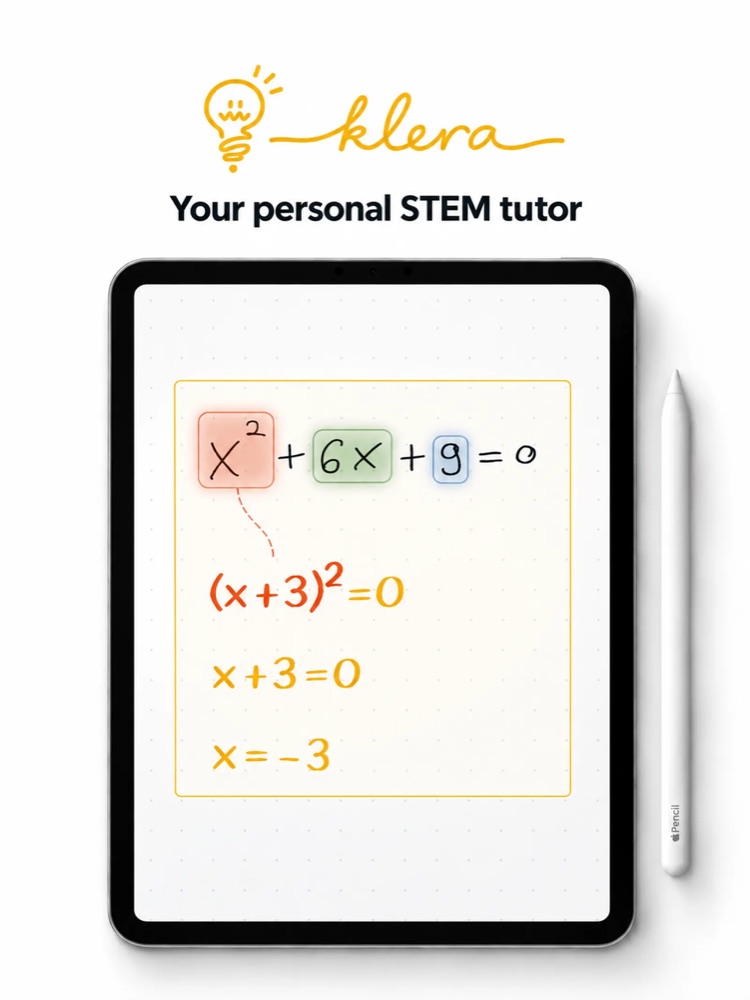
Write a maths or science problem on your iPad. Klera watches how you solve it and helps only as much as you need.
FreeFor iPadAges 13+
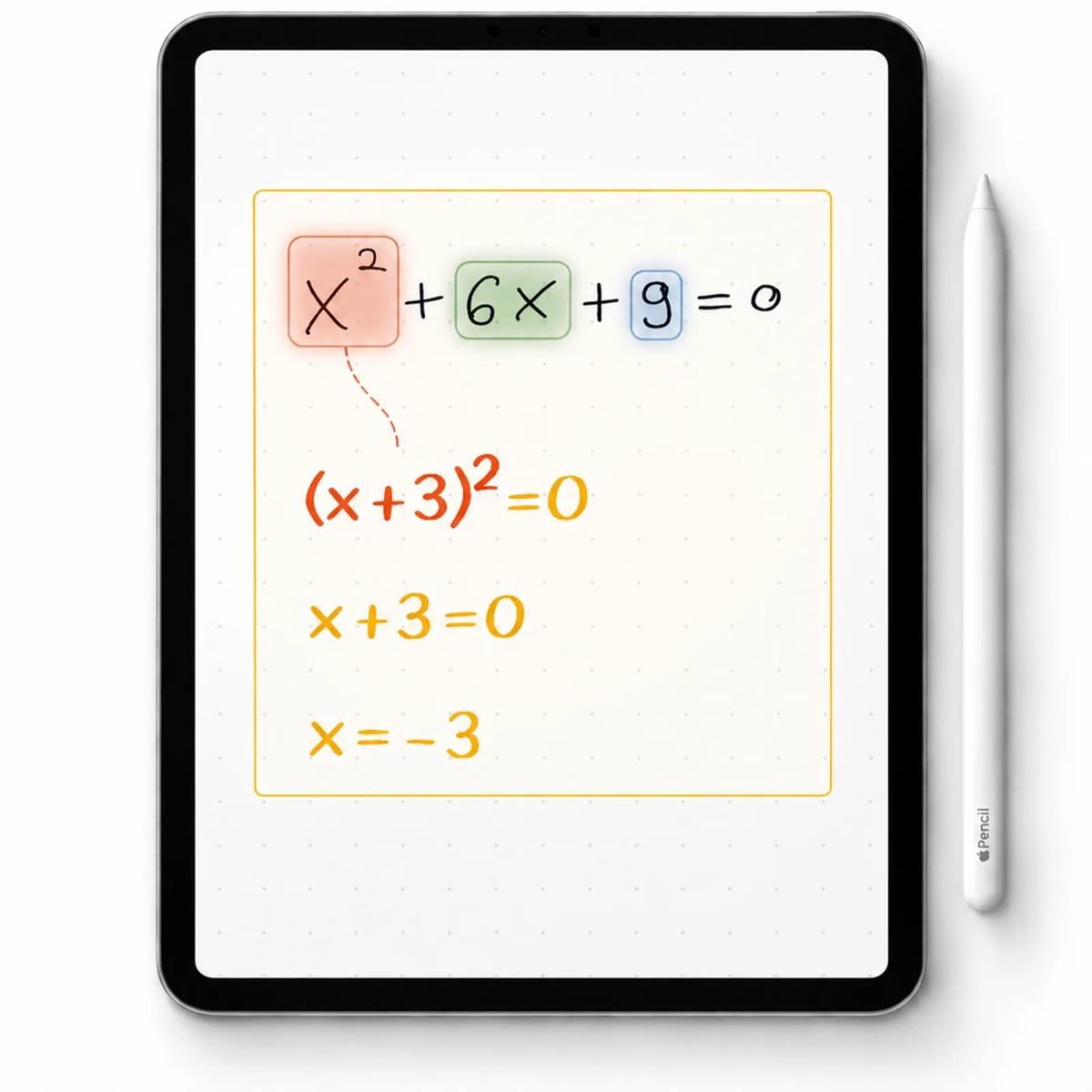
Pick up your Apple Pencil and solve the way you would on paper. Klera follows along and steps in when you want it to.
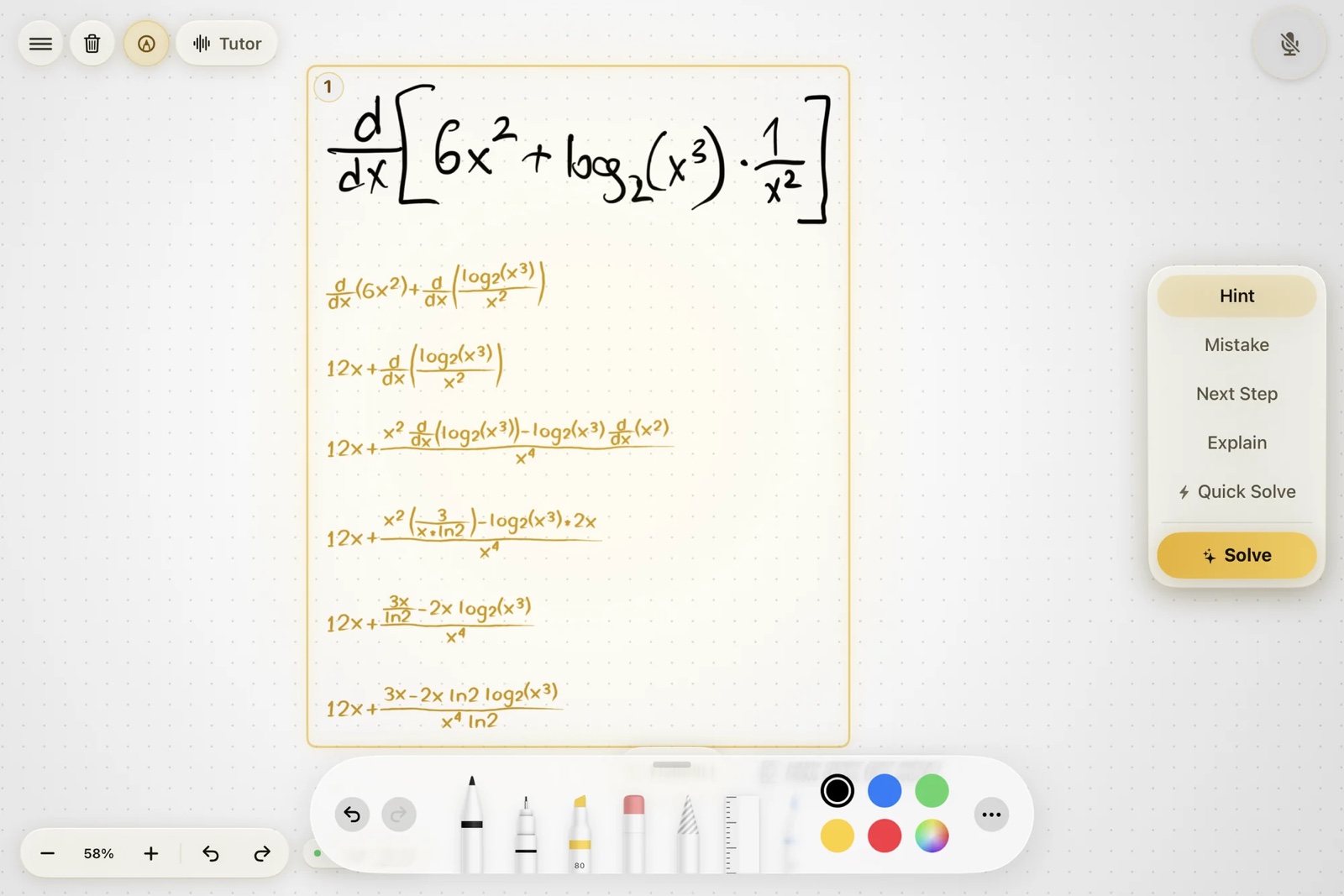
When you want the full working, Solve and Prove write it out step by step on your board, in a calm handwritten style, and talk you through it as they go.
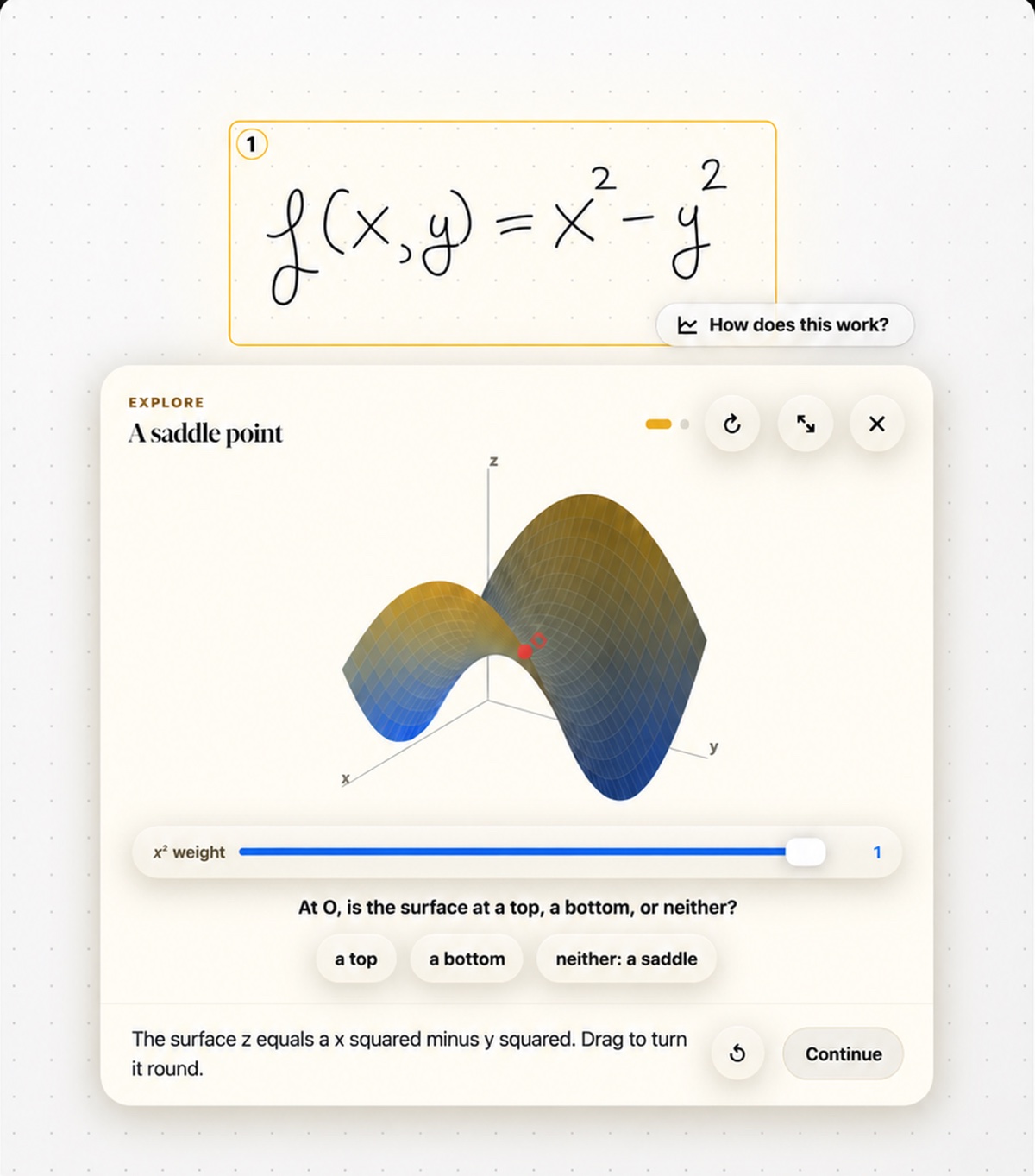
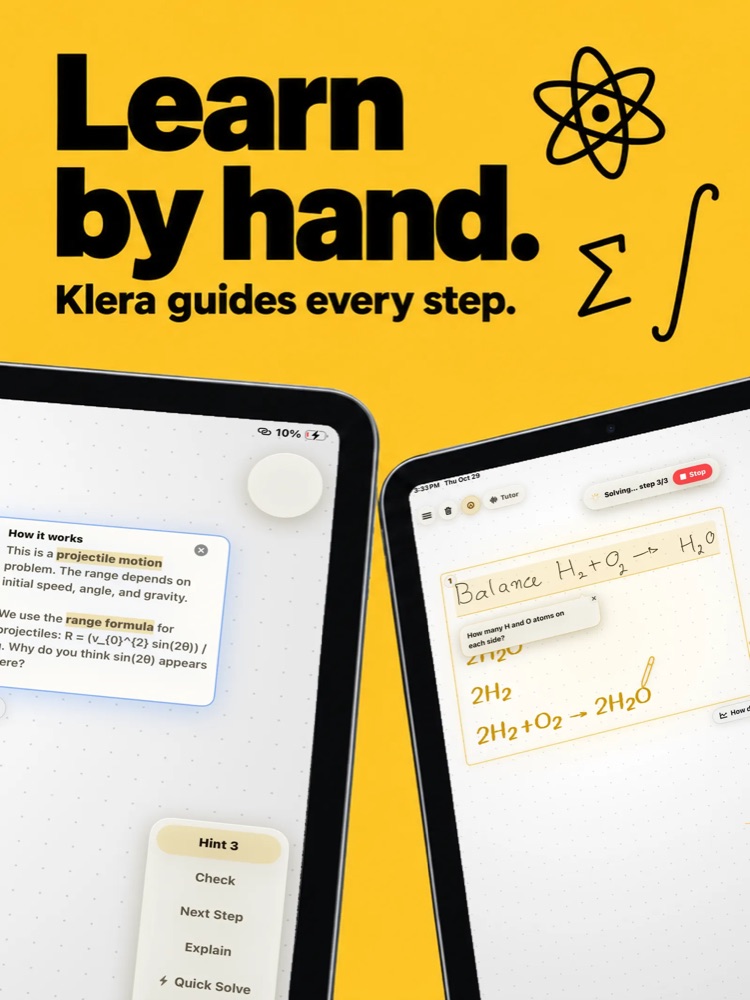
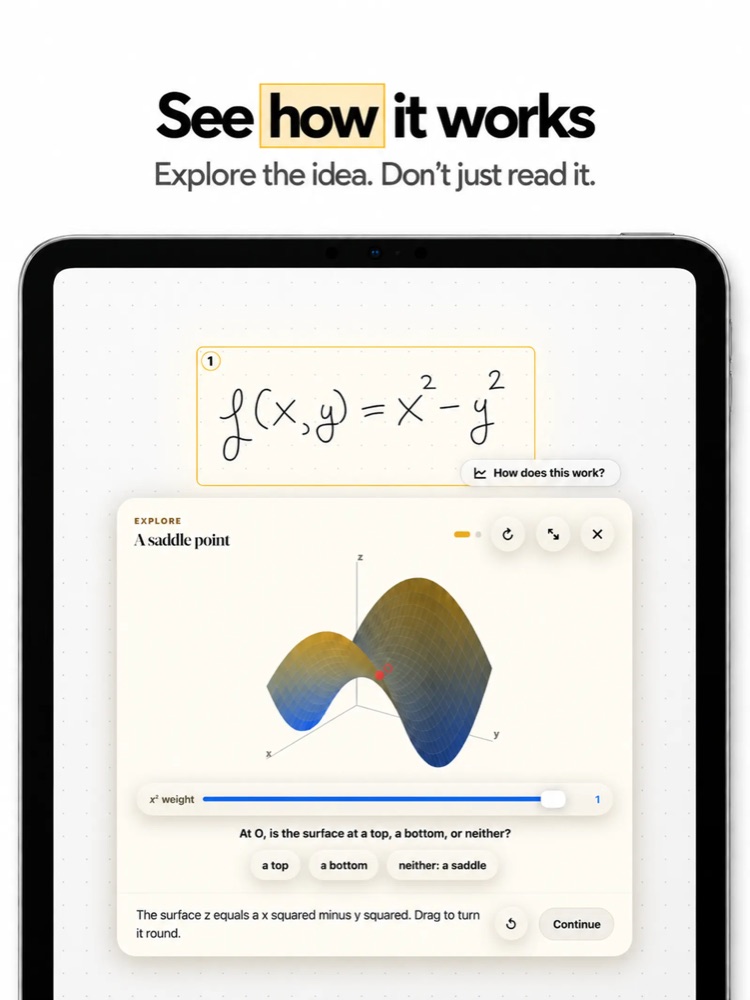
Tap "How does this work?" and a short interactive lesson shows why the method works: a saddle you can turn round, squares that prove √2 is irrational, the six ways two dice make seven.
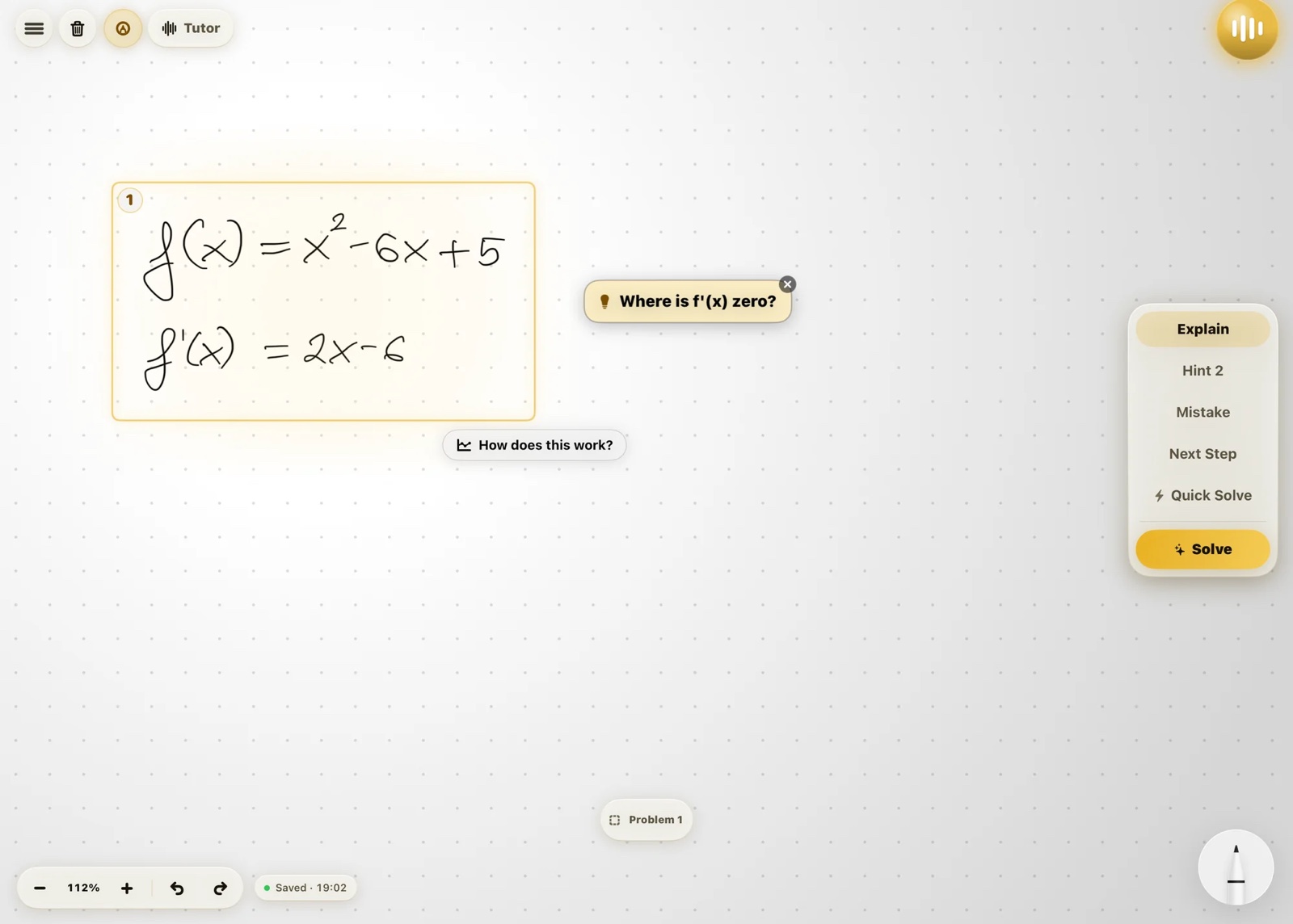
Ask for a hint and Klera nudges you in the right direction. Still stuck? The next hint says a little more. Next Step writes just one line, so you keep doing the work.
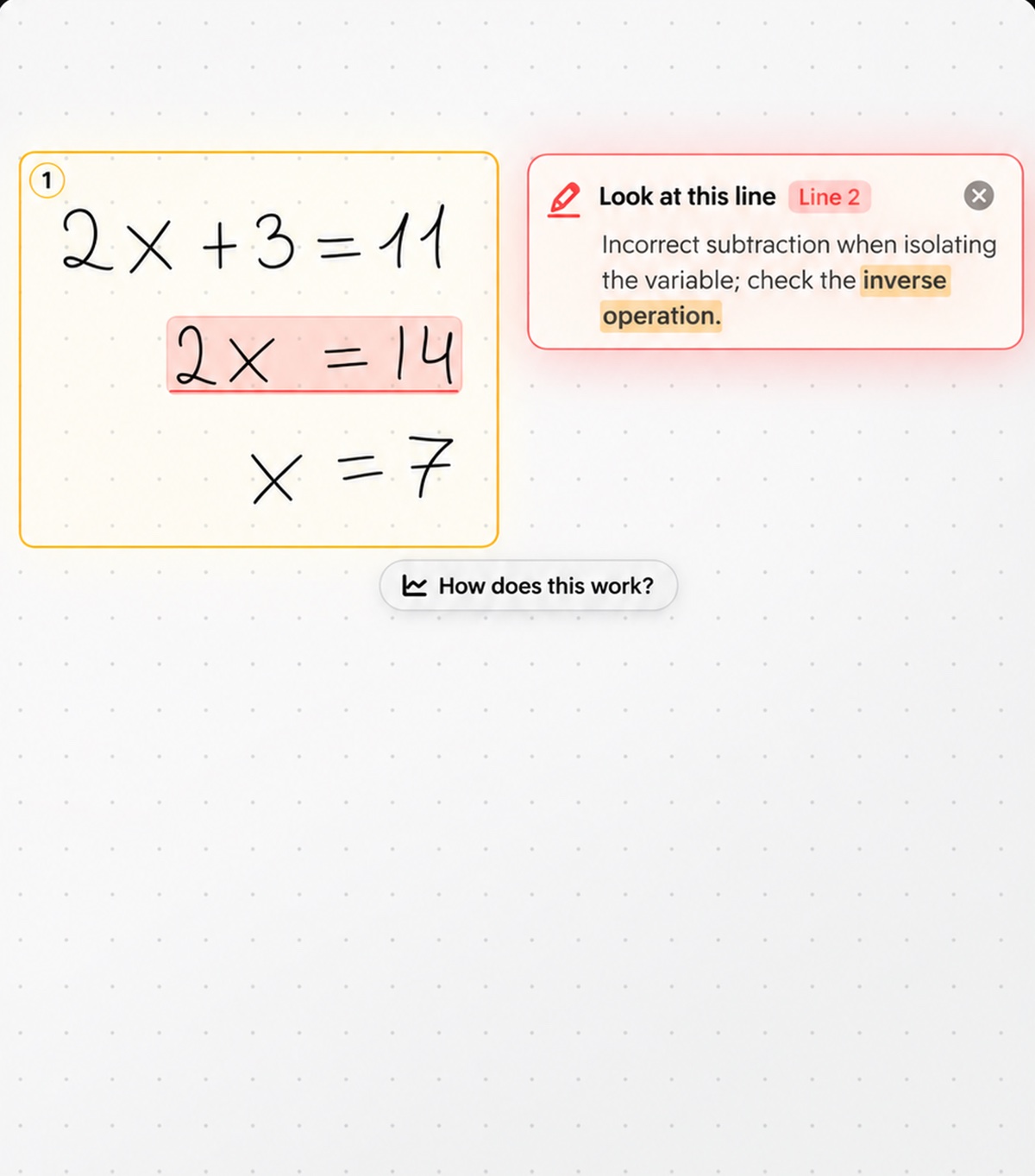
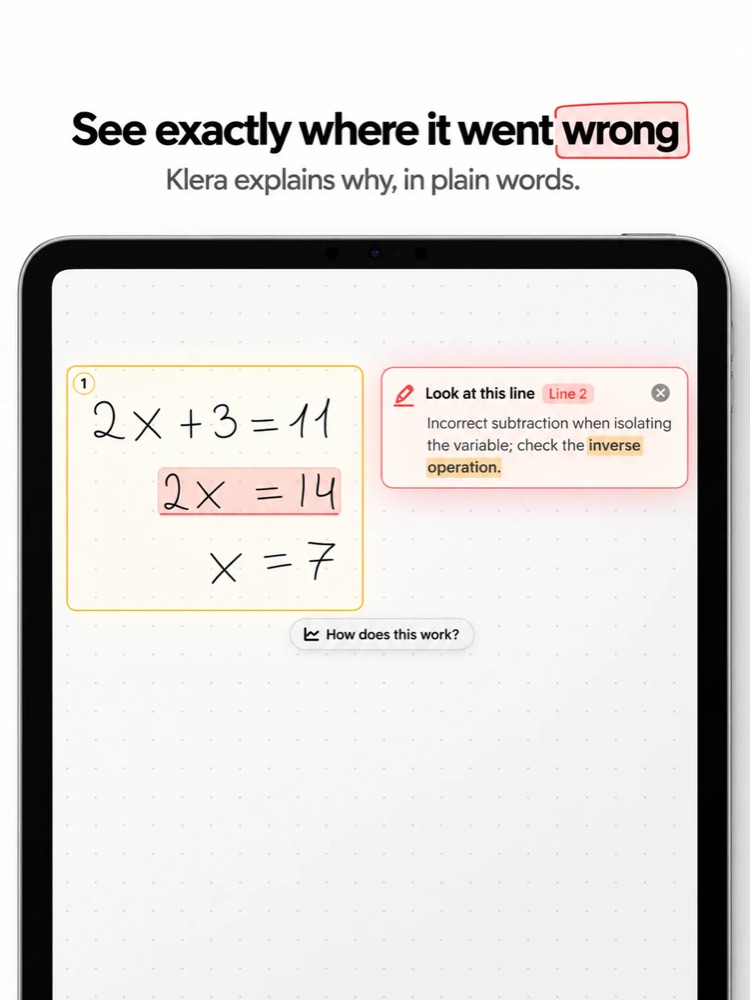
Klera marks the line where your working broke, in red, and explains why in plain words. Then you fix it yourself.
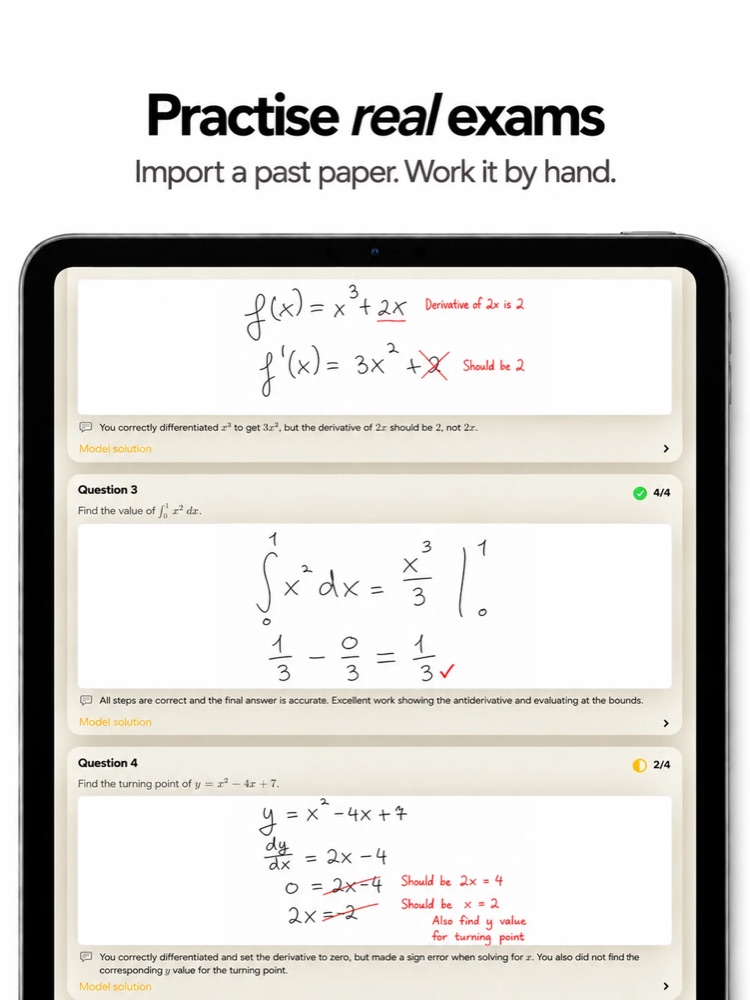
Import a past paper and work it by hand. Klera marks every question, points out what went wrong and shows you the model solution.
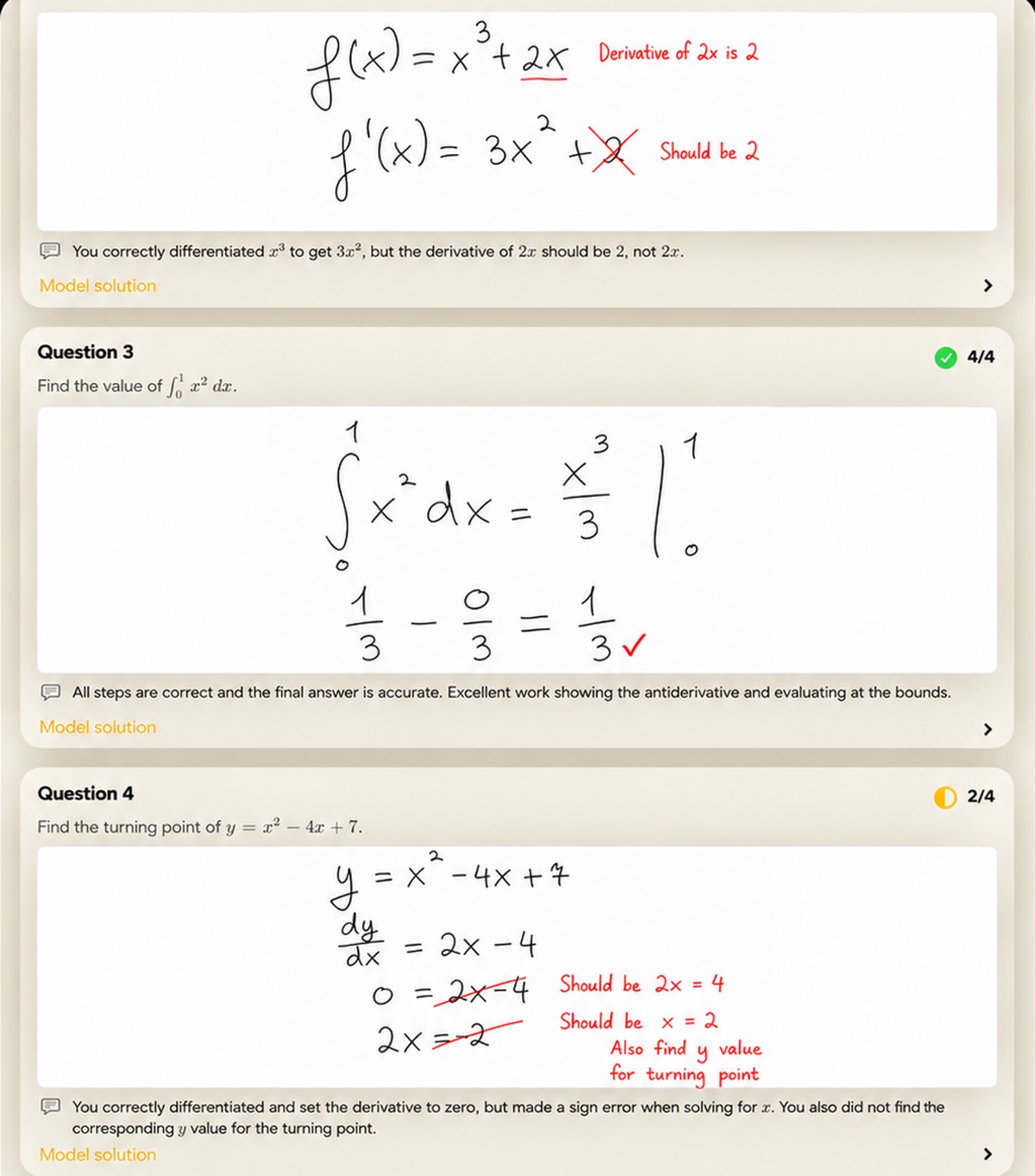
Klera notices where you get stuck, how much help you need and what kind of explanation works for you. Then it adapts: a lighter nudge when you're close, a fuller explanation when you're lost.
No typing equations into a chat box. Write with Apple Pencil, just like on paper. A finger works too.
Solutions are narrated as they're written, so you hear the reasoning, not just see it.
Explain gives you the idea behind the method, in the way that works for you.
Nothing is sent to AI until you allow it. Report any answer. Delete your account any time in Settings.
The aim is that you need less help over time, not more.
That's how we measure whether Klera is doing its job.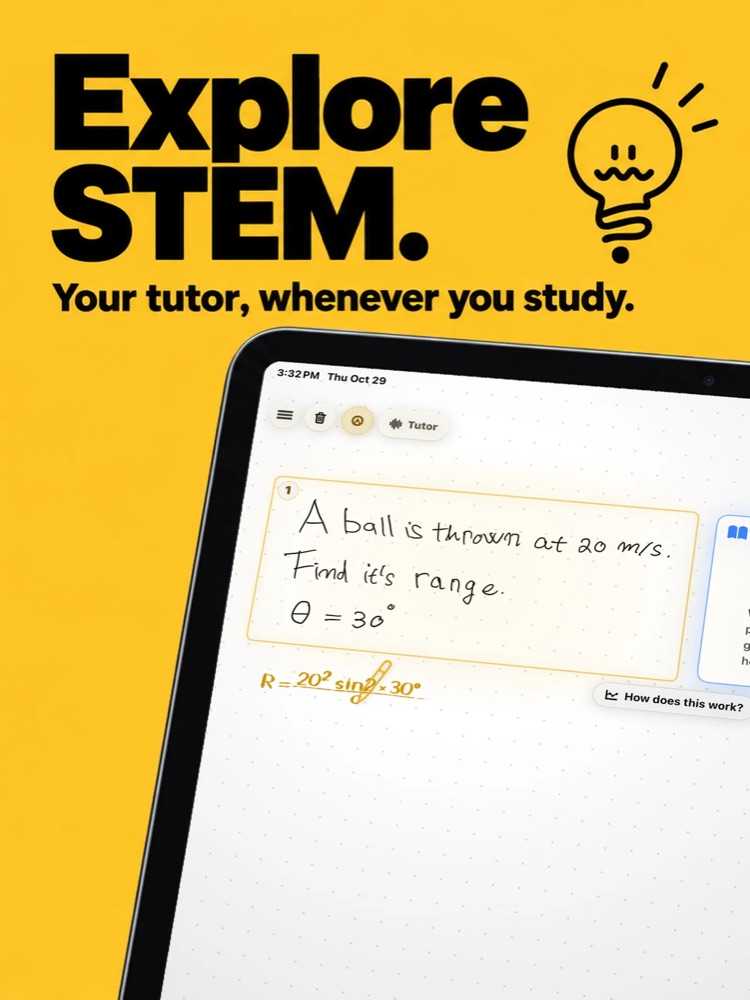

FreeFor iPadAges 13+
Here's what students usually ask first.
Klera is an AI tutor for iPad that works on your handwriting. You write a maths or science problem with Apple Pencil or your finger, and Klera watches how you solve it. When you want help, it gives you exactly as much as you need: a hint, the line where you went wrong, the next step, an explanation or the full solution.
A chatbot answers what you type. Klera works on the page you're already writing on and follows how you're solving it, not just the question. It points at your actual mistake instead of redoing the whole problem, and it's built to make you do the next step yourself.
When you do want the full working, it writes it on your board by hand and talks you through it.
Only if you ask for it. Hint is a nudge, never the answer. Next Step writes one line. Solve is there when you want the full working, but the aim is that you need less help over time, not more.
We strongly recommend one. Klera is built around handwriting, and Apple Pencil gives it the precision to read your working accurately and follow each step as you write.
You can still write with your finger, and every feature works, but recognition and the overall experience are noticeably better with a Pencil.
Maths and science, from school algebra to university calculus, linear algebra, physics and chemistry. If you can write it on a board, you can ask Klera about it.
Yes. Klera is free to download and every feature is included. There are fair-use limits so the AI stays fast for everyone.
Klera is made for iPad and needs iPadOS 26 or later. It's on the App Store across Europe.
Nothing you write is sent to AI until you allow it. You can report any answer, and you can delete your account at any time in Settings. The details are in our privacy policy.
Students aged 13 and up, from secondary school to university, who want to actually understand what they're solving.
Head to Support or write to us at filip@klera.tech. We read everything.